Search by title, topic or phrase
Use our Crypto Search Engine 🔍 to find the topics and keywords you're looking for.
Table of Contents
ToggleThe Crypto Self-Custody Security Toolkit helps you assess your current crypto security practices, identify weaknesses, and prioritize improvements through a structured self-assessment.
Answer questions about wallet protection, device security, recovery backups, transaction verification, operational security, and emergency preparedness to generate an overall score, category-level findings, and recommended next steps.
This guide explains how to use the toolkit, understand your results, and decide what to improve first. For deeper guidance on wallet architectures, key management, and recovery strategies, explore our dedicated self-custody guide.
The assessment is based on the practices you report. It does not inspect your wallet, access your blockchain accounts, or independently verify that your security controls work.
Security warning: Never enter a seed phrase, private key, wallet password, hardware-wallet PIN, recovery code, or any other secret credential into the toolkit or its downloadable report.
Explore the Crypto Self-Custody Guide →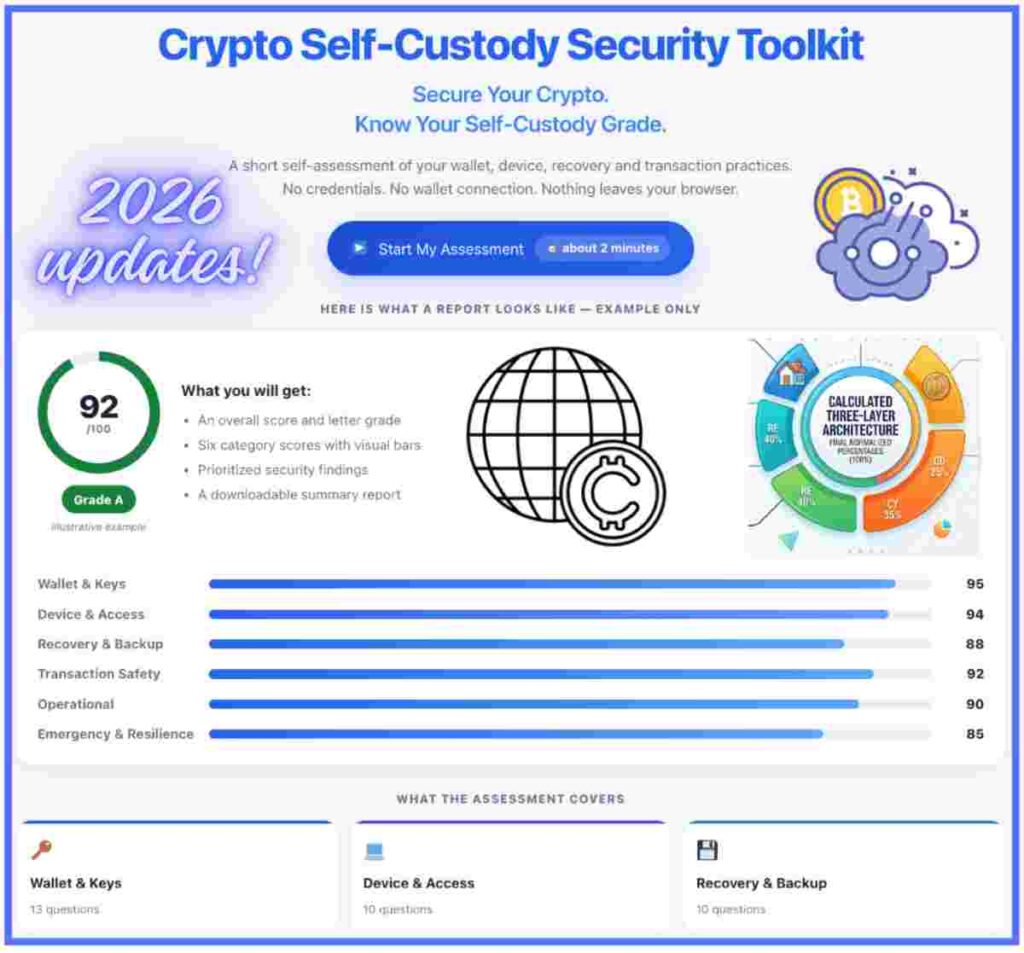
Follow these six steps to complete the security assessment, understand your current setup, and identify practical improvements. Answer every question according to your actual practices today, not changes you intend to make later.
Begin with the overview questions and describe your current cryptocurrency setup honestly. For example, if you own a hardware wallet but still keep most of your funds in a software wallet, answer according to how you actually store your assets.
Answer the questions about wallet sourcing, PIN protection, firmware maintenance, recovery-phrase generation and storage, passphrase use, and separation between wallets. Report how your keys are protected without entering the actual recovery phrase or any other secret.
Assess the devices you use to manage crypto, including operating-system updates, screen locks, encryption, password management, multifactor authentication, shared-device exposure, and other access controls relevant to your setup.
Report how many recovery copies you maintain, where they are stored, how they are protected against theft and environmental damage, and whether you have verified your recovery process. Consider whether recovery would remain possible if your primary device became unavailable.
Evaluate how you verify destination addresses and amounts, check transaction details on your hardware wallet, assess smart-contract interactions and token approvals, manage dApp connections, recognize blind-signing risks, and review transaction history. Answer based on your actual habits when authorizing transactions.
Once you have completed the questions, select Run Security Assessment in the toolkit above. Review your overall score, letter grade, category-level scores, priority findings, severity levels, recommended improvements, improvement simulator, and downloadable HTML report.
The toolkit evaluates your reported practices; it does not need access to your wallet or credentials. Never enter a seed or recovery phrase, private key, wallet password, hardware-wallet PIN, recovery code, or other secret information. Do not include these secrets in downloaded reports either.
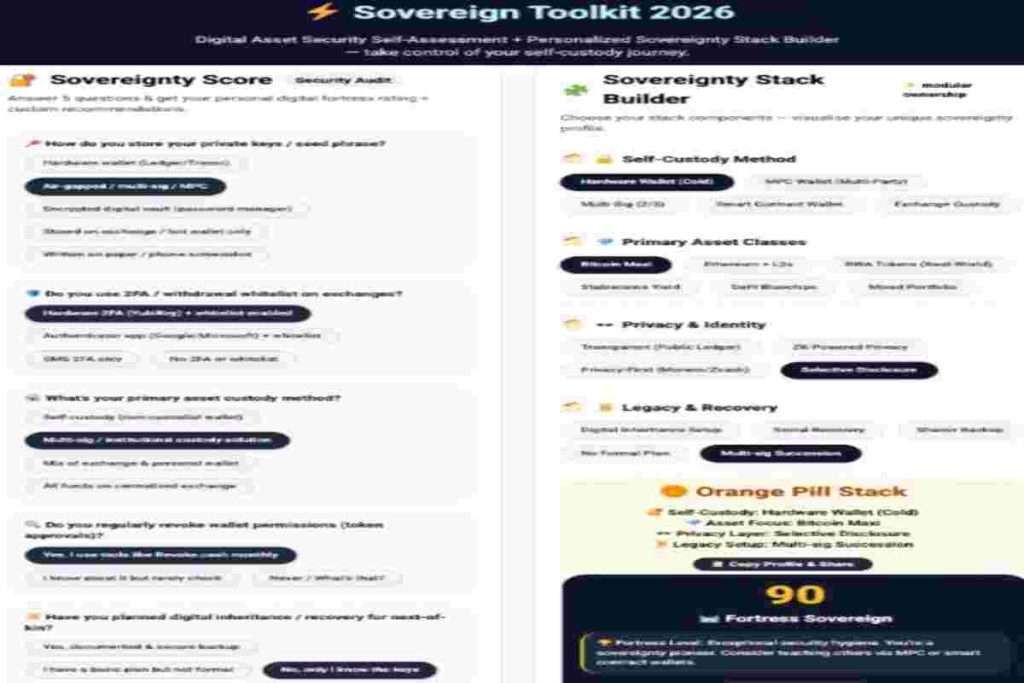
The toolkit above evaluates six areas of your current crypto self-custody setup. Complete the assessment to identify reported weaknesses, review category-level findings, and prioritize improvements. Use the resources below only when you need deeper guidance on a specific area.
Evaluates hardware-wallet protection, PINs, firmware, recovery-phrase handling, passphrases, and wallet separation. For a deeper explanation of key management and wallet architectures, use our self-custody guide.
Explore Self-Custody →Reviews device updates, screen locks, encryption, browser security, password management, MFA, and shared-device exposure. Use the security checklist for a broader, actionable review of your crypto protection practices.
Open the Crypto Security Checklist →Assesses backup separation, physical protection, recovery testing, and emergency access planning. Learn how recovery methods fit into a complete self-custody architecture.
Review Recovery Strategies →Reviews address verification, hardware-wallet confirmation, smart-contract interactions, token approvals, dApp connections, and blind signing. Explore dedicated security tools when you need additional threat detection or DeFi risk analysis.
Explore Crypto Security Tools →Examines how you separate everyday transactions from long-term holdings and limit exposure across wallets. Use the self-custody guide to understand wallet segmentation and signing arrangements in greater depth.
Learn About Wallet Segmentation →Considers whether your recovery and continuity arrangements remain usable if a device is lost, you become unavailable, or an emergency disrupts access. For more advanced custody and organizational protection models, see our institutional security guide.
Explore Institutional Security →Important: These categories help identify weaknesses in the practices you report; they are not a technical audit of your wallets or a guarantee that your assets are safe. Complete the assessment above first, then follow the relevant resources to address the findings.

The Crypto Self-Custody Security Toolkit is a self-assessment tool that helps you review how you protect cryptocurrency wallets, private keys, recovery phrases, backups, devices, and blockchain transactions. It highlights potential weaknesses and provides practical recommendations to help improve your crypto wallet security.
No wallet connection or private key is required to complete the questionnaire. You answer questions about your security practices, and the toolkit evaluates your responses. Never enter your seed phrase, private key, wallet password, or recovery credentials into a security assessment tool.
Your crypto security assessment score is based on your answers to questions about key protection, recovery backups, device security, authentication, and transaction safety. The score summarizes how your reported practices align with the toolkit’s security criteria. It is a practical review indicator, not a guarantee that your cryptocurrency is completely secure.
Your self-custody security assessment results help identify security strengths, potential vulnerabilities, and areas that need improvement. Review high-priority findings first, particularly those involving exposed recovery phrases, weak access controls, unverified transactions, or unreliable backups. A low score does not automatically mean your funds are compromised, while a high score does not eliminate every risk.
Start by addressing the highest-risk findings in your assessment. Protect recovery phrases offline, secure your devices and important accounts, maintain reliable backups, verify destination addresses and transaction details, and review unnecessary token approvals. Revisit your answers after implementing improvements to evaluate your progress.
The toolkit should never require your seed phrase or private keys. Assessment-answer storage depends on the tool’s implementation and settings. If answers are saved in your browser, they may remain on that device until cleared. Check the toolkit’s privacy information for details about storage and data transmission, and never treat browser storage as a secure vault for wallet credentials.
A hardware wallet can help protect private keys by isolating sensitive operations from a general-purpose computer or phone. However, it does not eliminate risks from phishing, malicious transaction approvals, compromised recovery phrases, or unsafe setup procedures. Choose a reputable device, follow the manufacturer’s official instructions, and protect your recovery backup.
A reliable recovery backup helps you regain wallet access if your device is lost, damaged, or replaced. Testing an appropriate recovery procedure can reveal missing or incorrect backup information before an emergency. Keep recovery material protected from theft and physical damage, and follow your wallet manufacturer’s guidance without exposing your recovery phrase to websites or untrusted devices.
Safe self-custody involves more than protecting private keys. Verify destination addresses, check transaction details before signing, use trusted applications, and review token approvals when appropriate. Avoid approving unfamiliar requests or signing transactions you do not understand. These habits can help reduce the risk of scams, unauthorized token transfers, and costly mistakes.
No. It is a questionnaire-based assessment, not a professional security audit. It does not independently inspect wallet firmware, scan devices for malware, verify your answers, or perform penetration testing. Use the results as a starting point for improving your security practices, not as proof that your wallet or devices are secure.
Review your security periodically and whenever you make significant changes to your wallets, devices, recovery backups, authentication methods, or transaction habits. Repeating the assessment helps you identify new weaknesses, track improvements, and keep your crypto self-custody security practices up to date.
A crypto wallet security improvement simulator helps you explore how stronger security practices could affect your assessment results. Depending on the available features, you can use it to evaluate potential improvements, prioritize risk-reduction steps, and understand the value of layered protection. Simulated results are estimates based on the tool’s scoring rules, not a guarantee against future attacks or losses.
NIST Digital Identity Guidelines — authentication and authenticator security.
Bitcoin.org Wallet Security — practical wallet protection and backup considerations.